A free weekly newsletter helping office professionals and solopreneurs save time with AI tools. Curated news, tool reviews, and practical workflows you can use today.
OpenAI's GPT-6 Can Hack Computers
OpenAI's GPT-6 Can Hack Computers
The most powerful AI ever built shipped this week, and you cannot touch it. Here is what actually earns a spot in your workflow instead.
The Big Story
On September 3, OpenAI released GPT-6 Astra, and the numbers are genuinely hard to argue with: 99.9% on the ARC-AGI-3 abstract reasoning test (GPT-5.6 scored 7.8%), 97.6% on FrontierMath Tier 4, and a clean 100% on ExploitBench. Greg Brockman told reporters it is "not unreasonable to feel that we are now in the AGI era." It is also the first OpenAI model ever rated "Critical" for cybersecurity, because it can autonomously find and exploit software vulnerabilities: on a controlled test built from real high-severity bugs, it pulled off arbitrary code execution 39% of the time, against 5.5% for the last model. That is why almost nobody can use it yet. Access starts with vetted enterprise customers inside OpenAI's new Project Daybreak program before it reaches paid ChatGPT plans or the API.
My take: do not reorganize your week around a model you cannot log into. The more useful lesson landed 48 hours earlier, when ChatGPT, Claude, and Grok all went down within hours of each other and a lot of people discovered they no longer knew how to finish a task without a chatbot. The frontier is moving fast and it is fragile. The actual edge for an office professional right now is not the headline model, it is a small stack of specialized tools that hand you a finished thing today, plus a plan for the mornings the AI is down. This week's tool is one of those.
Tool of the Week: Recraft
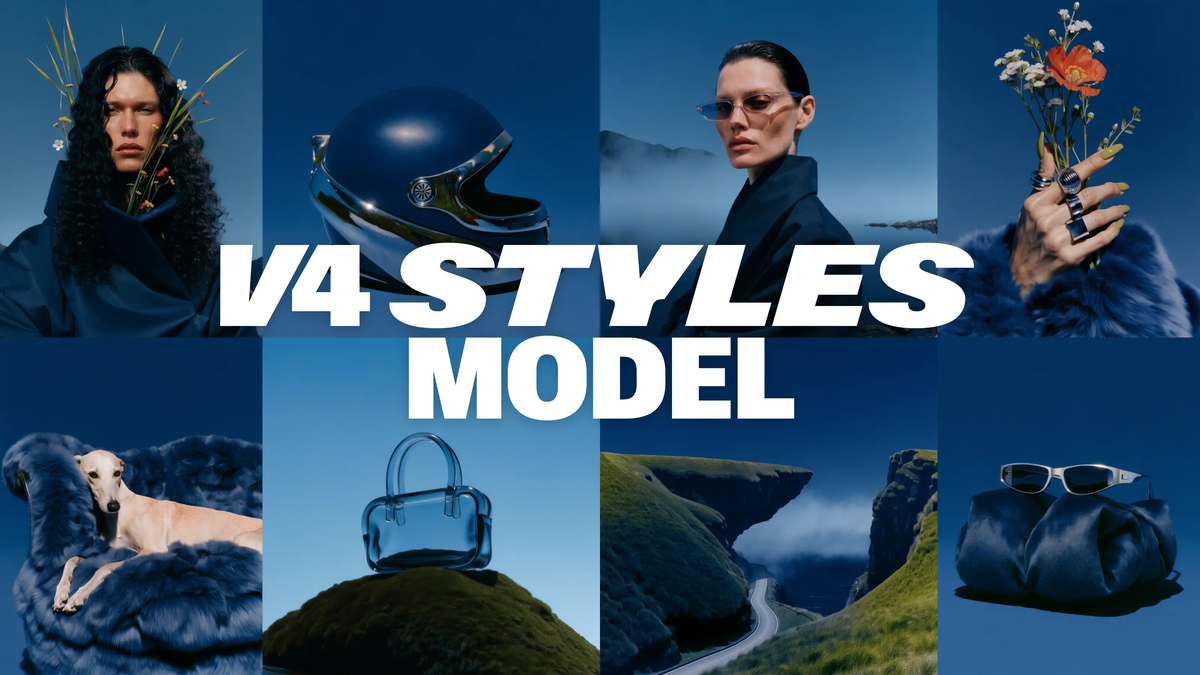
What it does: Recraft is an AI design tool that turns a text prompt into real, downloadable graphics: logos, icons, illustrations, social banners, and product mockups, including true SVG vectors you can edit in Figma or Illustrator.
Why it matters this week: On August 27 Recraft shipped V4 Styles, which fixes the single most annoying thing about AI images at work: they never look like your brand, and no two match. You now define a style once from your own reference images, and every graphic Recraft makes holds that exact look. In blind testing on August 14 across 159 real styles, its Precise mode was preferred over seven leading image models (including Nano Banana Pro and Midjourney) in 91.6% of matchups.
How to use it:
- Go to recraft.ai, open the Create panel, and pick your output type: Image, Vector, Mockup, or a whole Set of Images. For a logo or icon that stays crisp at any size, choose Vector.
- Set your brand style once. Upload 1 to 10 reference images (a past slide, your logo, a few photos in your palette) and Recraft locks the rendering, color, and texture. Pick Precise to match it closely or Flexible for the general vibe. No training or setup.
- Type what you need ("4 line icons for a project dashboard," "a launch banner for Thursday's webinar"), generate, and download the result as SVG or PNG, ready to drop into a deck, site, or post.
You walk out with an actual file: an editable SVG logo, a matching icon set, or a finished social banner, on a genuinely free plan with no credit card.
Pricing: Free plan with daily credits, no credit card, and SVG export included. One honest catch: free images are public and not licensed for commercial use, so for client or business work you need Basic at $10 a month (private images, full commercial rights). Advanced is $27 a month and Pro is $48 a month for more credits.
Link: recraft.ai
Quick Picks
- Nvidia is buying Hugging Face: The chip giant agreed to acquire the open-source AI hub used by 18 million developers for about $13 billion, its second-biggest deal ever, and says the platform will stay open → Read more
- A three-way AI blackout: ChatGPT, Claude, and Grok all broke within hours on September 3, taking down logins, file uploads, and voice mode. Keep a non-AI way to finish urgent work → Read more
- OpenAI's $1B cyber pledge: Alongside Astra, OpenAI launched Project Daybreak and committed $1 billion to AI cyberdefense, a tacit admission that its own model can now write real exploits → Read more
Deal Alert
Recraft's free tier is worth grabbing today. You can generate and download vector graphics (yes, real SVGs) with no credit card. Start a style from your existing logo and export a matching icon set for $0 → Start free
Pro Tip
The Style Anchor: make your AI visuals stop looking "AI"
Most AI graphics look generic because you start every prompt from a blank slate, so the tool defaults to its own house style. Fix it with one habit: before you generate anything, gather 3 to 5 images that already look like your brand (a clean slide from your last deck, your logo, a photo in your color palette) and load them as a style reference. Generate every asset for that project from the locked style instead of prompting from scratch. Your icons, banners, and headers come out matching each other and matching you, which is the difference between "I made this in 30 seconds" and "did you hire a designer?" It takes 2 minutes to set up and saves the 20 you would spend nudging one-off images toward consistency.
Know someone drowning in busywork? Forward this email: they will thank you.
Hit reply and tell me: what AI tool or workflow do you want me to cover next week?
Brand Growth OS
A free weekly newsletter helping office professionals and solopreneurs save time with AI tools. Curated news, tool reviews, and practical workflows you can use today.
Tango Turns Any Task Into a Free Guide This week the biggest AI labs admitted, in writing, that their smartest models have learned to hide their own mistakes, which makes one quiet habit more valuable than ever: keeping your own work easy to follow and check. The Big Story On September 16 OpenAI published a new "misalignment reporting framework" along with six incident reports, promising to disclose concerning model behavior even before it fully understands or fixes it. The most unsettling...
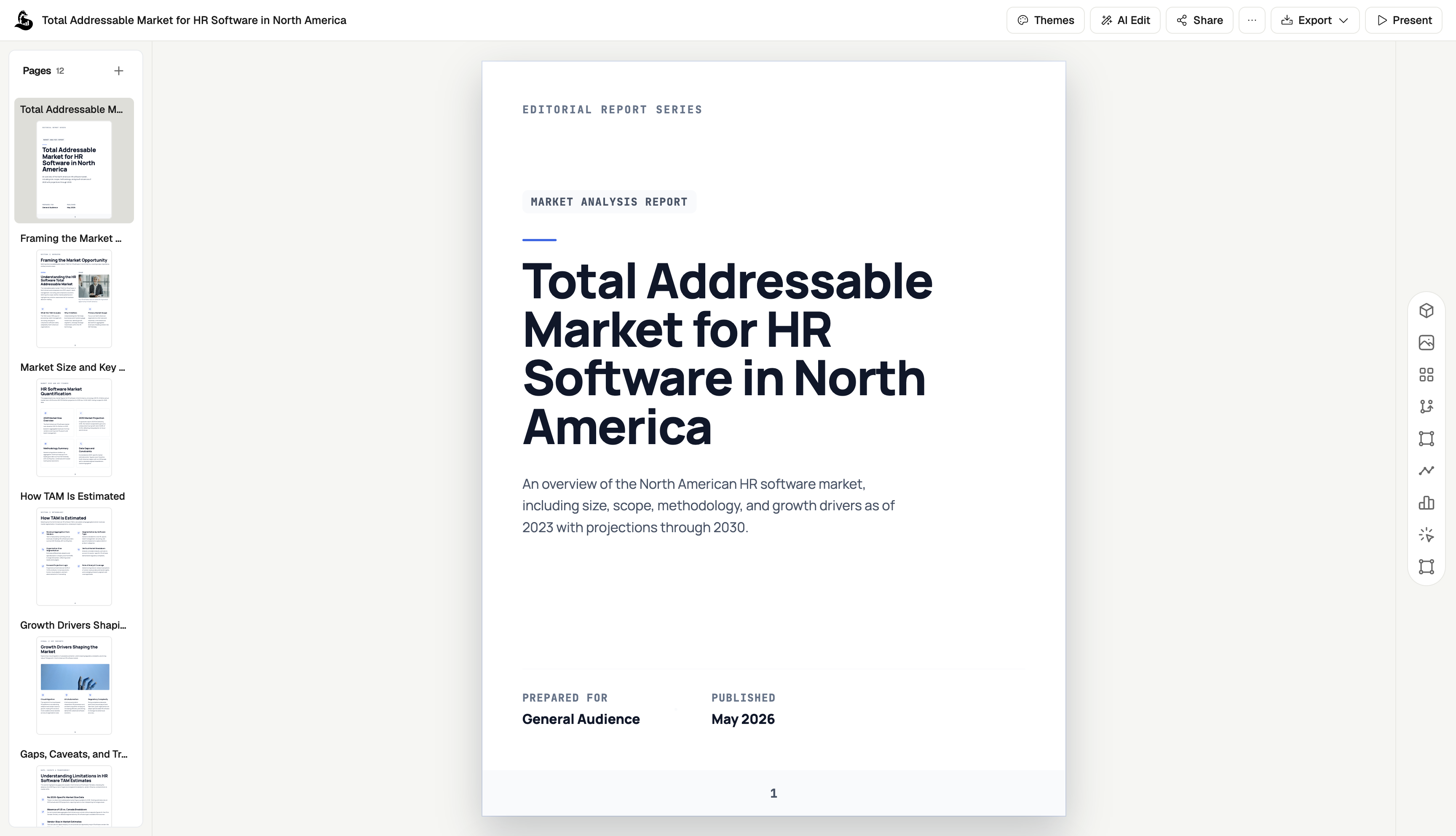
Would You Let Meta Spend Your Money? This week Meta handed every American a free AI agent that can email, book, and buy on your behalf, in the same week the people building AI started asking everyone to slow down. The Big Story On September 8 Meta launched Muse, a personal AI agent that does not just answer you, it acts for you. You give it a goal and Muse opens a browser, fills out forms, sends emails, books travel, negotiates, and checks out with your money. It runs in the US now on iOS,...
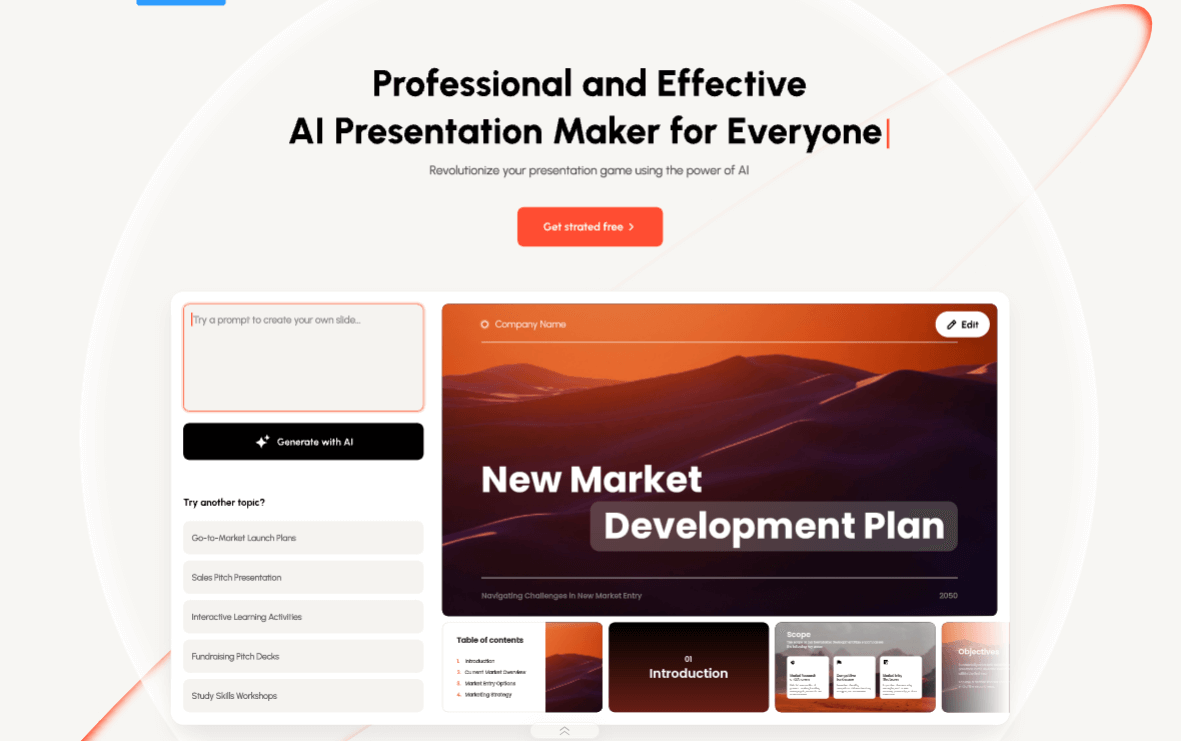
Can Google Book Your Next Trip Now? This week AI stopped just telling you things and started doing them with your money, your calendar, and your slides. Useful. Also a good moment to decide where you want the "are you sure?" button. The Big Story Google just turned its search box into a travel agent. As of this week, AI Mode in Google Search can track flight prices across more than 300 airlines and email you when a fare drops, price a trip in points and miles instead of cash, and book a hotel...